
When Can I Begin Uploading Content?
You can begin uploading your content on the campaign start date.
Before the campaign officially begins, the upload button in your dashboard will appear greyed out. This is expected and simply means the campaign has not started yet.
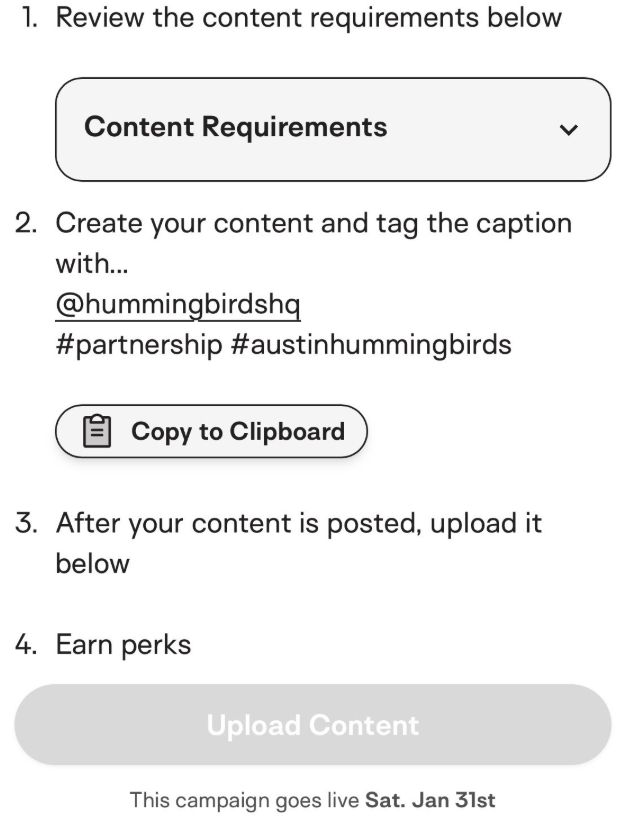
Once the campaign start date arrives, the upload button will turn blue, and you’ll be able to upload your content as usual.
How To Check Your Campaign Start Date
If you’re ever unsure when uploading will open, you can always find the campaign start date listed directly in the campaign details. We recommend checking this before reaching out, especially if you’re planning content ahead of time.
Still Seeing A Grey Button?
If the campaign has not started yet, there’s nothing you need to do. As soon as the start date arrives, uploading will automatically become available.
If the campaign has already started and the upload button is still greyed out, please reach out to us at help@hummingbirds.com, and we’re happy to take a look.