
What Are Offers & Getting Started with Offers
What Are Offers? (Currently in Beta)
Offers are a way to discover new products, earn cash back, and share products you love with others.
Any registered hummingbird can browse available Offers, save products they're interested in, purchase those products at Eligible Retailers, upload a photo of their physical receipt, and earn cash back.
Unlike Campaigns, Offers do not require an application, selection process, Instagram account, or content creation.
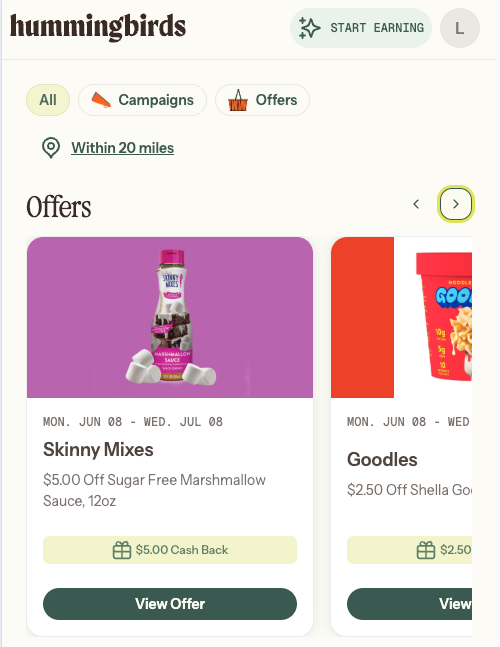
How Offers Work
To redeem an Offer and earn cash back:
Save the Offer
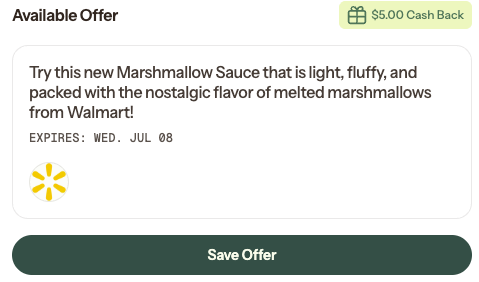
Purchase the product at an Eligible Retailer
Upload a photo of your physical receipt
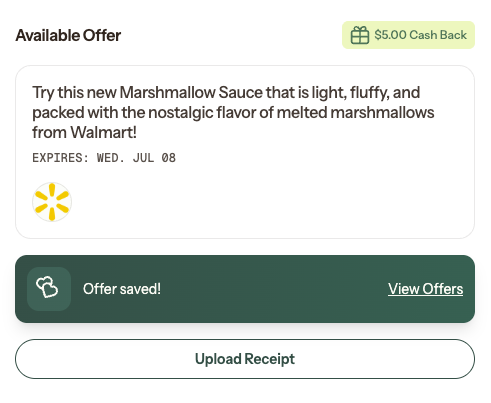
Have your receipt approved
Receive cash back in your Offers Wallet
The redemption process must be completed in this order.
If you purchase a product before saving the Offer, the purchase may not qualify for redemption.
Saving an Offer
When you save an Offer, it is added to your My Offers section so you can easily find it later.
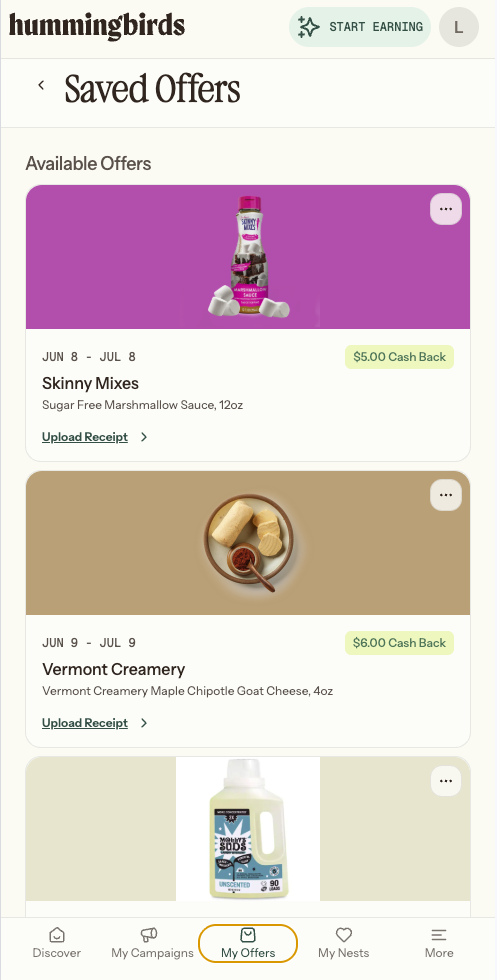
Saving an Offer is an expression of interest - it does not reserve inventory or guarantee availability.
Offers have a limited number of available redemptions and can become unavailable after you've saved them.
Important: Offers Can Run Out
Offers can expire or run out while they're saved in your My Offers.
If an Offer is especially popular, you may see a “Going Fast” indicator. This means inventory is running low and the Offer may become unavailable soon.
Before heading to the store, we recommend checking your saved Offers to confirm the Offer is still active.
If you've already purchased the product, upload your receipt as soon as possible. Waiting too long increases the risk that an Offer could expire or run out before your redemption is completed.
To help you stay on track, Hummingbirds may send notifications when:
A saved Offer is running low on inventory
A saved Offer is nearing expiration
A saved Offer is no longer available
Receipts and Redemption
To redeem an Offer, you'll need to upload a photo of your physical receipt from an eligible in-store purchase.
Physical receipts are required for Offer redemption.
After uploading your receipt, it will either:
Be approved automatically
Be reviewed by a member of the Hummingbirds team
If additional review is needed, we'll notify you and keep you updated throughout the process.
Sharing Offers
Every Offer can be shared using a unique link.
You do not need to save or redeem an Offer before sharing it.
When someone redeems an active Offer through your shared link, you earn a Commission.
At launch, Commissions are $1 per redemption by a unique user.
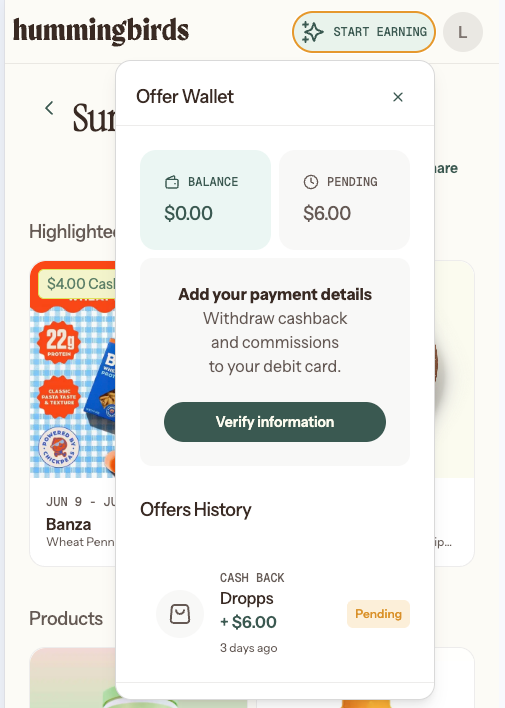
Your Offers Wallet
Cash back earned from Offer redemptions and Commissions earned through sharing are stored in your Offers Wallet.
Your Wallet balance can be withdrawn once it reaches the minimum cash-out threshold of $20.
Important Things to Know
Saving an Offer does not reserve inventory.
Offers can expire or run out after being saved.
The redemption sequence is: save, purchase, then upload your receipt.
Physical receipts are required for redemption.
You can share Offers without redeeming them yourself.
Offers and Campaigns are separate products.
Any registered Hummingbird can participate in Offers!